

A 19.7-inch-deep desk is about four inches shallower than the depth most ergonomics guidance assumes. None of that shows in a product photo. It shows in week one, because those four inches come straight out of the distance between your eyes and the screen.
The Mid-Century Rubberwood Desk, 55 in is 55.1 × 19.7 × 29.5 in. The 63-inch version of the same desk is the same 19.7 in deep. So on this site the depth question can’t be solved by sizing up — you either make 19.7 work or you look at a deeper model.
The number that decides it
OSHA’s computer workstation guidance puts it in one line: the work surface should let you “view the monitor at a distance of at least 20 inches (50 cm).” That’s a floor for workplace setups, not a rule for a spare bedroom, but every other guide argues around it.
The University of British Columbia’s ergonomics guidelines go further. Usable desktop depth should be “≥30 inches,” and a desk 24 inches deep is “not ideal but can be acceptable if a keyboard tray available.” Read the word usable: that’s the strip the keyboard and monitor actually stand on, not the full top.
Retail guides sit between those two. OfficeFurniture2go’s computer desk guide calls 24 inches the minimum for a monitor, and writes that a 20- or 22-inch-deep desk “forces a 24-inch monitor within 16–18 inches of your face — well inside the recommended 20–26-inch viewing zone.”
Twenty, twenty-four, thirty. Every published number is above 19.7.
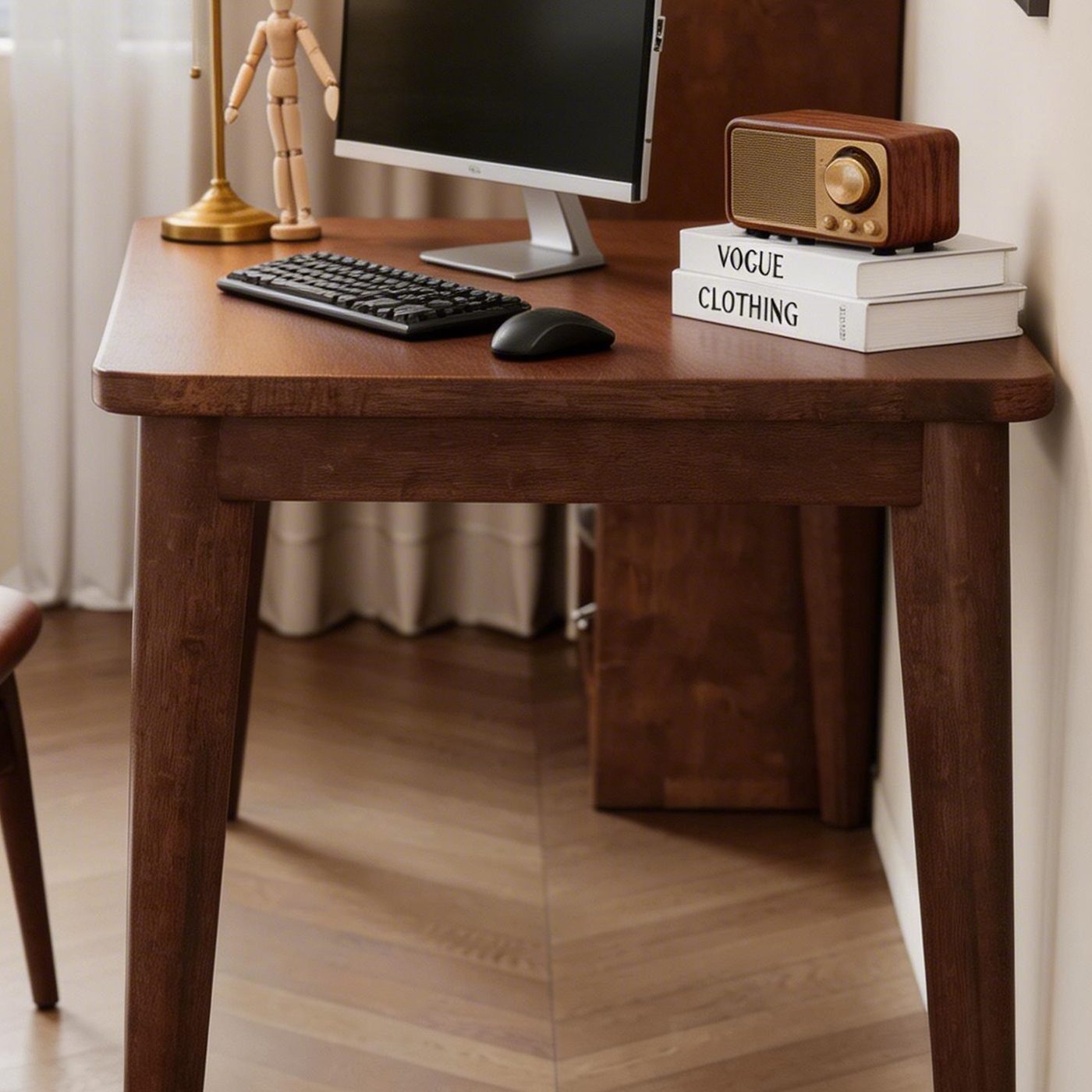
Where the 19.7 inches go
A keyboard owns the front edge. A monitor on its own stand owns the middle, because the stand sits behind the panel and eats surface you never see. On a 19.7-inch top a 27-inch monitor ends up with its screen over the middle of the desk and its back edge at the wall side — which is exactly the setup the retailer’s arithmetic describes. You sit close to the desk, so the screen sits close to you.
Two consequences worth knowing before you buy:
- A 27-inch monitor on its factory stand is a stretch. You will push it to the back edge, then sit back to recover distance, and end up with your forearms off the desk.
- There is no second row. A keyboard, an open notebook and a mug in front of a monitor wants roughly 24 inches before you add a lamp.
Neither is a defect. That’s what 19.7 inches buys in exchange for 4 inches of floor.
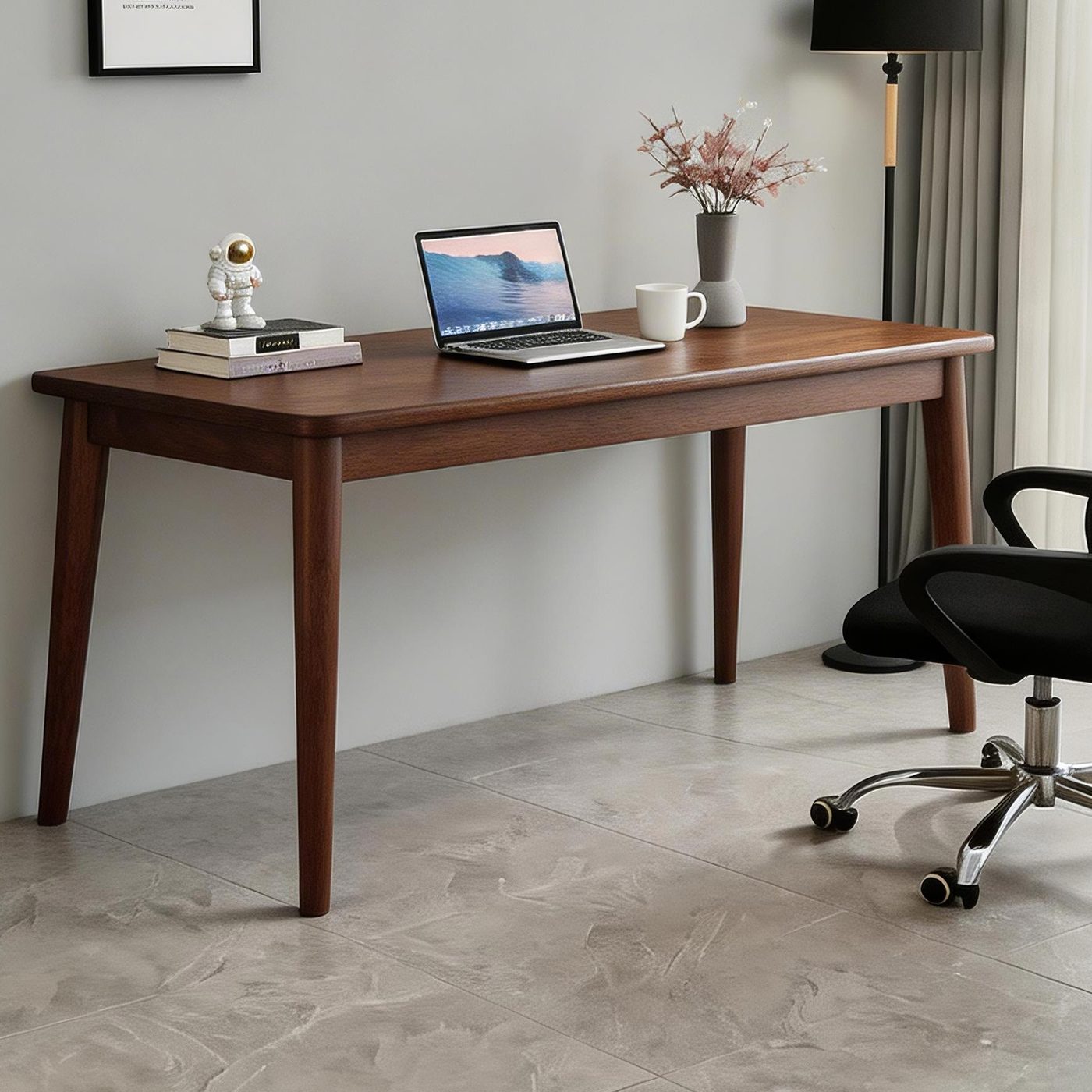
What actually fits at 19.7 inches
A laptop. A 13- to 16-inch laptop, a mouse and an open notebook fit across 55.1 inches of width with room left over. This is the setup the desk was drawn for, and the one where 19.7 inches costs you almost nothing.
A monitor on an arm. The arm clamps to the back edge and takes the stand off the surface entirely. OfficeFurniture2go’s writing desk guide puts the gain at 4 to 6 inches of viewing distance. If you already own a clamp-mount arm, 19.7 inches stops being the constraint.
A keyboard tray. Not on these desks. A tray is how a 24-inch desk becomes “acceptable” in UBC’s guideline, but a tray hangs below the top and eats knee room. On a 19-inch-deep top you’d be trading one problem for another.
What doesn’t fit: a monitor on its stand plus a keyboard plus anything else, and a second person. When either of those is the plan, depth is the variable to change.
If you need more depth than 19.7 inches
Three desks on the site go deeper.
The Retro Writing Desk with Drawer is 47.2 × 21.6 × 30.1 in — 1.9 inches more depth, one drawer, and 0.6 inches more height, so check your chair before you commit.
The Solid Wood Double Desk, 55 in is 55.1 × 23.6 × 29.5 in: 3.9 inches deeper than the mid-century 55, at the same width and height. The 63-inch double keeps that 23.6-inch depth.
23.6 inches is the interesting number. It clears the 24-inch retailer minimum within a rounding error, it’s the depth where a monitor on its own stand stops feeling like a compromise, and it’s still shallower than UBC’s 30-inch target. No desk here meets that one — if this is a full-time workstation rather than an evening laptop, know that going in.
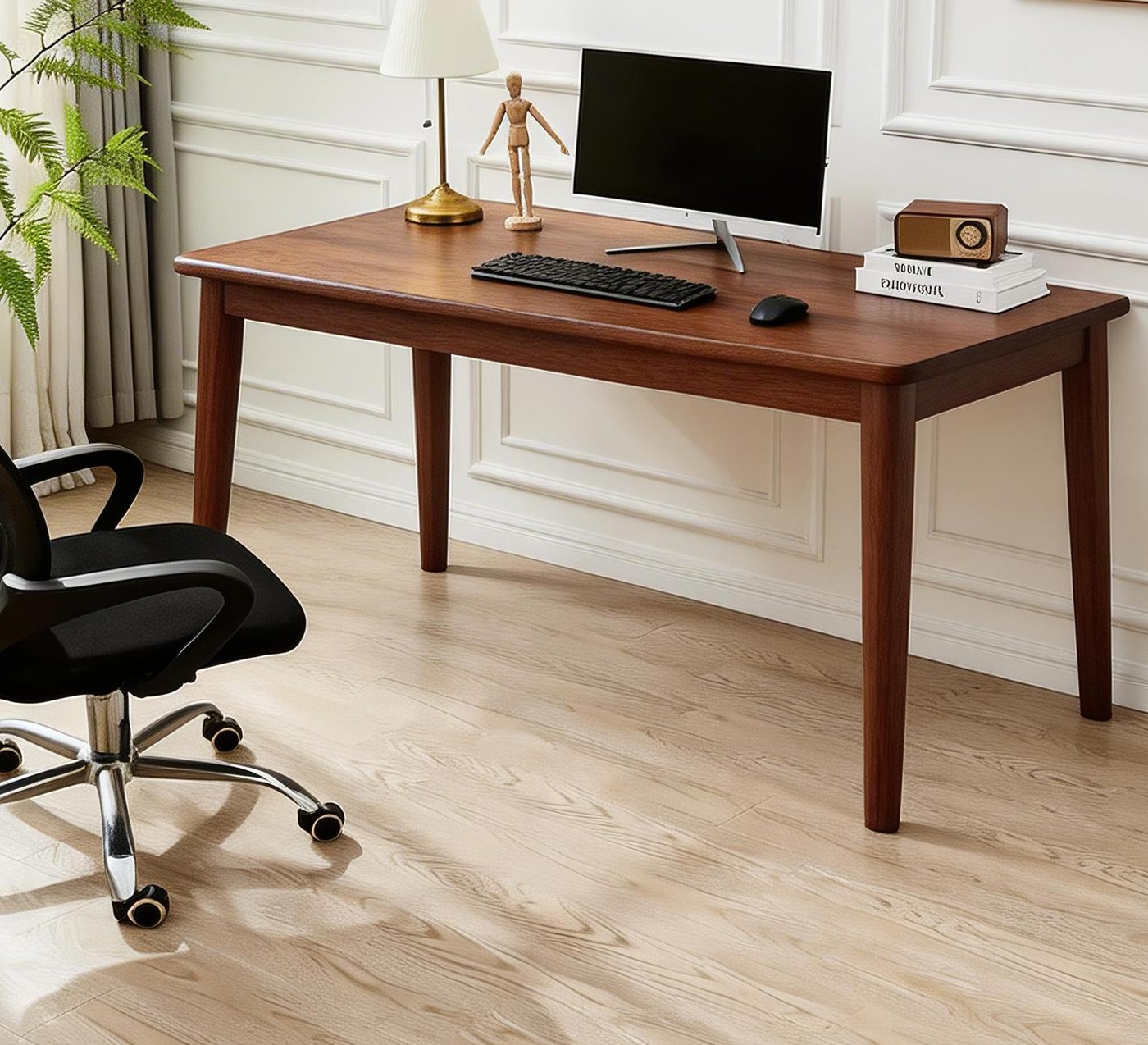
55.1 or 63.0 inches wide
Both mid-century desks are 19.7 inches deep. The only difference is 8 inches of width, which is a separate decision.
- One monitor, one person: 55.1 inches is enough. The extra 8 inches buy empty surface, not function.
- Two monitors: the retailer guide puts two 24-inch monitors at about 52 inches across including bezels and stands, which leaves under 3 inches per side on a 55-inch desk. It calls 60 inches the realistic minimum. 63.0 clears that line; 55.1 doesn’t.
- Two people: neither mid-century desk is wide enough to share at these depths. Sharing starts with the double desks.
The four desks side by side
| Desk | Width | Depth | Height | The depth verdict |
|---|---|---|---|---|
| Mid-Century Rubberwood Desk, 55 in | 55.1 in | 19.7 in | 29.5 in | Laptop desk that tolerates a monitor on an arm |
| Mid-Century Rubberwood Desk, 63 in | 63.0 in | 19.7 in | 29.5 in | Same, plus room for a second monitor |
| Retro Writing Desk with Drawer | 47.2 in | 21.6 in | 30.1 in | 1.9 in deeper, one drawer, taller |
| Solid Wood Double Desk, 55 / 63 in | 55.1 / 63.0 in | 23.6 in | 29.5 in | Monitor-first, or two people |
All four are 29.5 to 30.1 inches tall — standard desk height, and the reason a keyboard tray shows up in ergonomics documents at all.
Measure three things before you order
- Wall to whatever stops you — a closet door swing, the foot of the bed. That’s your depth budget, and the desk has to leave room for the chair behind it.
- Chair pull-back. Tape a line 36 to 48 inches behind where you’ll sit, as the retailer guide suggests, and stand up and walk that zone. A desk that fits the wall but leaves the chair nowhere to go feels cramped within a week.
- Eye to screen. Sit where you’d sit and hold a tape from your eye to the wall side of the desk. That measurement is your maximum viewing distance, and OSHA’s floor is 20 inches.
The call
Buy 19.7 inches if the laptop is the computer, the wall is fixed, and the desk is for evenings. Buy 23.6 if a monitor on its own stand is the point, or if two people sit down at once. Buy 21.6 if you want the drawer and can live with checking the height.
Sources
- U.S. Department of Labor, OSHA — eTools: Computer Workstations — Workstation Components — Desks — https://www.osha.gov/etools/computer-workstations/components/desks — accessed 2026-11-07
- UBC Ergonomics, WHS Human Resources — Ergonomics Guidelines for Computer Workstations (revision July 21, 2021) — https://hr.ubc.ca/sites/default/files/documents/Office%20ergo%20design%20guidelines%20and%20checklist.pdf — accessed 2026-11-07
- OfficeFurniture2go — Computer Desks — 10 Pro Tips — https://www.officefurniture2go.com/guides/computer-desks-pro-tips.html — accessed 2026-11-07
- OfficeFurniture2go — Writing Desks — 10 Pro Tips — https://www.officefurniture2go.com/guides/writing-desks-pro-tips.html — accessed 2026-11-07